
Sign in
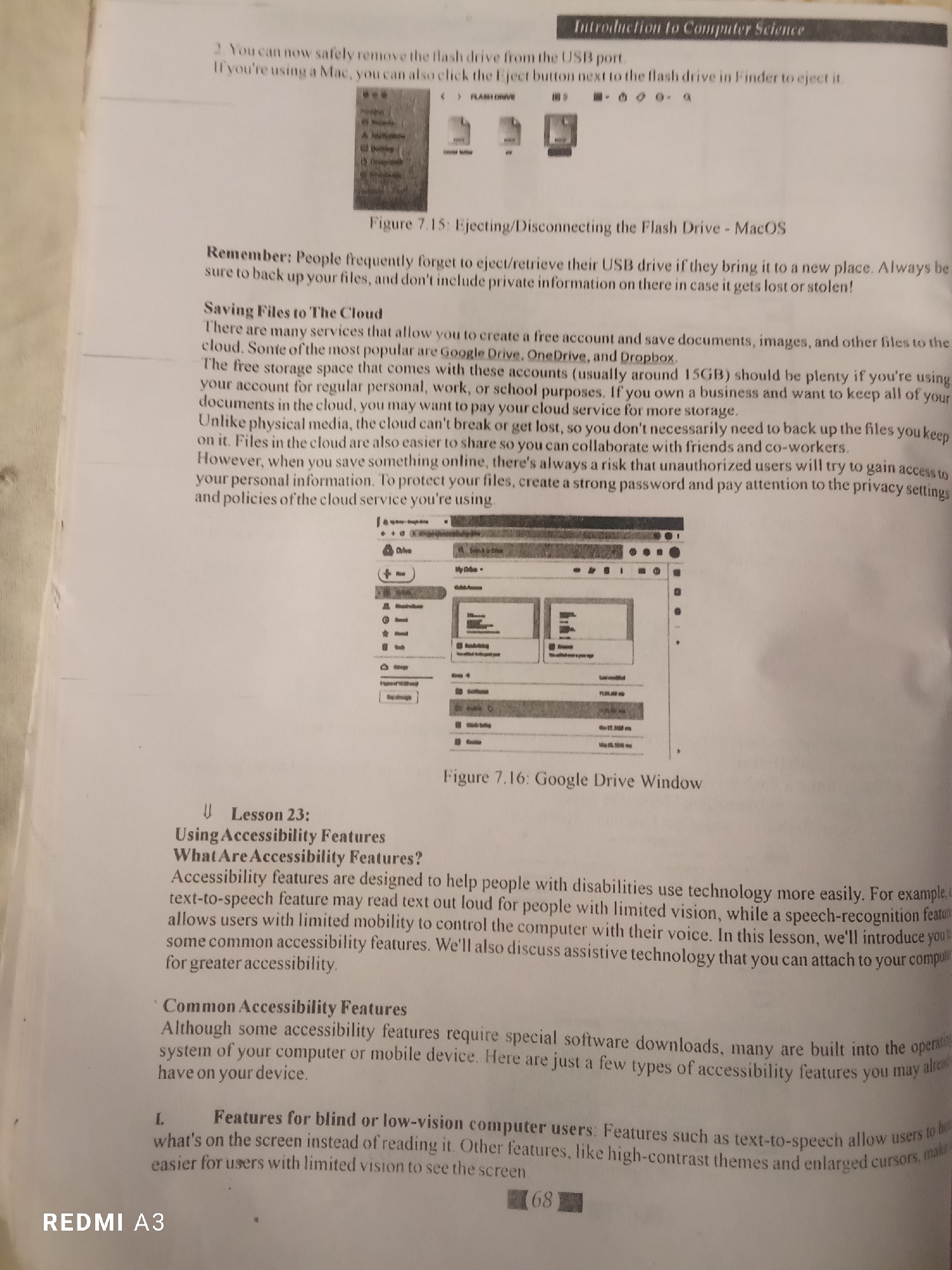
The image is a top-down view of an open book, displaying text and images related to computer science. The book is open to a page that discusses ejecting flash drives, saving files to the cloud, and accessibility features.

On the left page, there is text under the heading "Introduction to Computer Science," followed by instructions on how to safely remove a flash drive. Below this, there is a screenshot of a Mac Finder window showing a flash drive with an eject icon. Further down, there are sections titled "Remember" and "Saving Files to The Cloud," with accompanying text.

The right page contains a screenshot of a Google Drive window, labeled as "Figure 7.16: Google Drive Window." Below the image, there is a heading "Lesson 23: Using Accessibility Features" and "What Are Accessibility Features?" followed by descriptive text. The page also includes a section titled "Common Accessibility Features" and a list item labeled "L. Features for blind or low-vision computer users." The page number "68" is visible in the bottom right corner.

The image is captured from a slightly elevated angle, showing the texture of the paper and the print quality. The lighting appears to be from an overhead source, casting minimal shadows. No information about the location of the city is present in the image.
FM-Qdlo22

Jun 20, 2026

Unknown, Unknown

Stake attention in this memory

informative
educational
technical
helpful
explanatory

The image is a top-down view of an open book, displaying text and images related to computer science. The book is open to a page that discusses ejecting flash drives, saving files to the cloud, and accessibility features. On the left page, there is text under the heading "Introduction to Computer Science," followed by instructions on how to safely remove a flash drive. Below this, there is a screenshot of a Mac Finder window showing a flash drive with an eject icon. Further down, there are sections titled "Remember" and "Saving Files to The Cloud," with accompanying text. The right page contains a screenshot of a Google Drive window, labeled as "Figure 7.16: Google Drive Window." Below the image, there is a heading "Lesson 23: Using Accessibility Features" and "What Are Accessibility Features?" followed by descriptive text. The page also includes a section titled "Common Accessibility Features" and a list item labeled "L. Features for blind or low-vision computer users." The page number "68" is visible in the bottom right corner. The image is captured from a slightly elevated angle, showing the texture of the paper and the print quality. The lighting appears to be from an overhead source, casting minimal shadows. No information about the location of the city is present in the image.

transactions
revenues
stakers
Earliest
Latest
Highest stake

No transactions found

More from this user

More from Unknown

FM-Qdlo22

Jun 20, 2026

Unknown, Unknown

Licensed under Creative Commons Attribution 4.0 International License. You are free to share and adapt this content with proper attribution.