
Stake attention in this memory
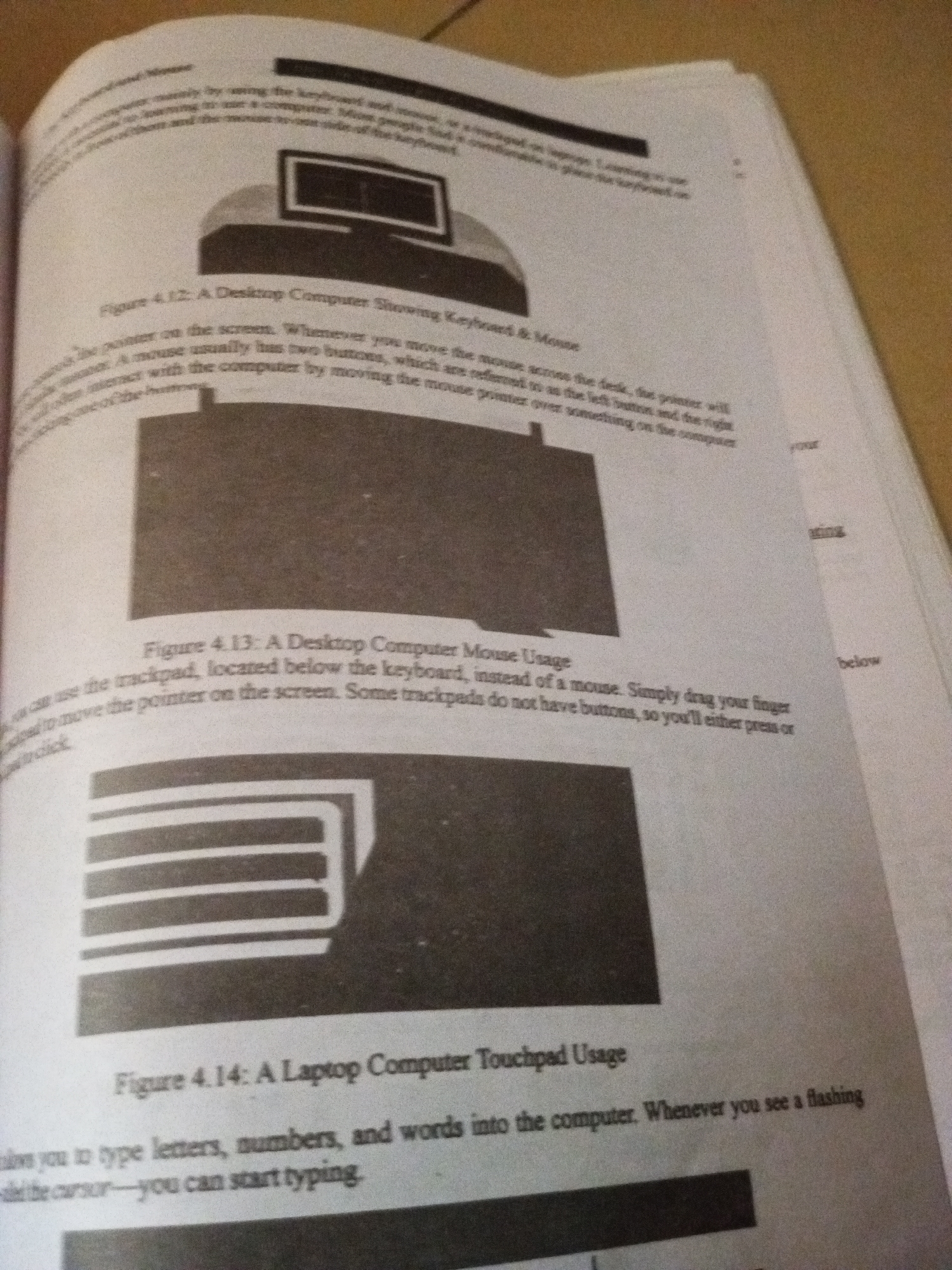
The image displays two pages of an open textbook, showing illustrations and text related to computer hardware. The first illustration, labeled "Figure 4.12," depicts a desktop computer with a monitor, keyboard, and mouse. The accompanying text describes how to use the mouse to interact with the computer. Below this, "Figure 4.13" shows a close-up of a trackpad, which is presented as an alternative to a mouse for controlling the cursor on a screen. The text explains that trackpads are located below the keyboard and are used by dragging a finger across them, often without physical buttons. The third illustration, "Figure 4.14," is a laptop computer with a touchpad. The text explains that the touchpad allows users to type letters, numbers, and words into the computer, and that a flashing cursor indicates where typing will occur. The pages are slightly wrinkled and the lighting suggests the photograph was taken in a dimly lit environment, possibly indoors. The text is printed in black ink on white paper. The overall scene is that of an educational resource. There is no information in the image that would indicate the location in the city of Jalingo, Nigeria.
Loading AttnAds…
No transactions found