Stake attention in this memory
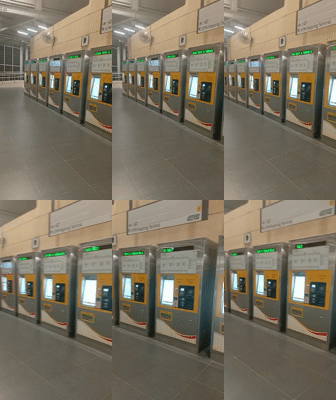
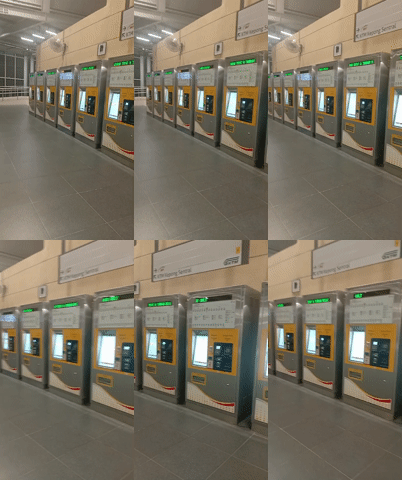
The video shows a person interacting with an MRT self-service machine. The screen displays the MRT logo operated by RapidKL, with the prompt "PLEASE SELECT AN OPTION". The person's finger is seen touching the "ANALYSE CARD" option, which is highlighted with a green checkmark and a visual representation of an MRT card. The machine then prompts the user to "PLEASE PLACE THE CARD VERTICALLY ON THE READER". The user touches the "CANCEL" button. The screen changes to "PLEASE SELECT YOUR TRANSACTION", showing "PURSE VALUE BALANCE RM 9.10". The user's finger then touches the "RELOAD" button. The screen displays options for "PURCHASE PASS", "LOYALTY POINTS", and "TRANSACTION LOG", with a "CANCEL" button at the bottom. The video ends with the finger touching the "RELOAD" button again. The environment appears to be an indoor public space, likely an MRT station.
Loading AttnAds…
No transactions found