Sign in
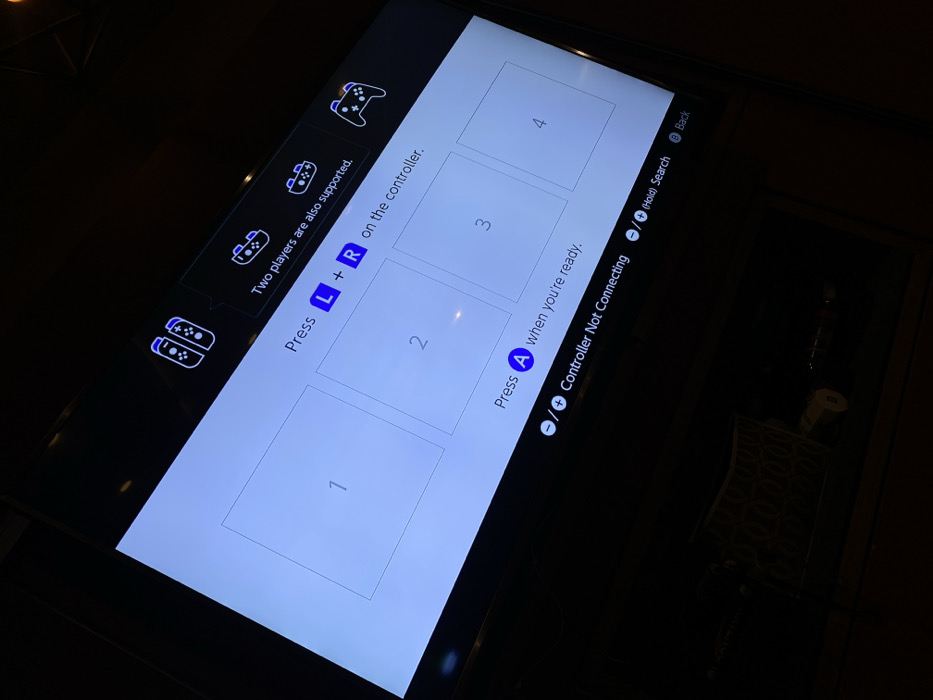
A Nintendo Switch screen displays a controller pairing interface. It shows four empty controller slots, labeled 1 through 4. The instructions indicate that two players are supported and instructs users to press the L and R buttons on the controller. Another instruction states to press the A button when ready. At the bottom, there is an option for "Controller Not Connecting" and the option to search. A back button is also visible.
Jp_Chaya

Dec 20, 2025, 3:33 AM

Tetela Del Monte, Mexico

Stake attention in this memory

Nintendo Switch
controller pairing
gaming
electronics
screen

A Nintendo Switch screen displays a controller pairing interface. It shows four empty controller slots, labeled 1 through 4. The instructions indicate that two players are supported and instructs users to press the L and R buttons on the controller. Another instruction states to press the A button when ready. At the bottom, there is an option for "Controller Not Connecting" and the option to search. A back button is also visible.

Loading AttnAds…

transactions
revenues
stakers
Earliest
Latest
Highest stake

No transactions found

More from this user

More from Tetela Del Monte

Jp_Chaya

Dec 20, 2025, 3:33 AM

Tetela Del Monte, Mexico

Licensed under Creative Commons Attribution 4.0 International License. You are free to share and adapt this content with proper attribution.