
Stake attention in this memory
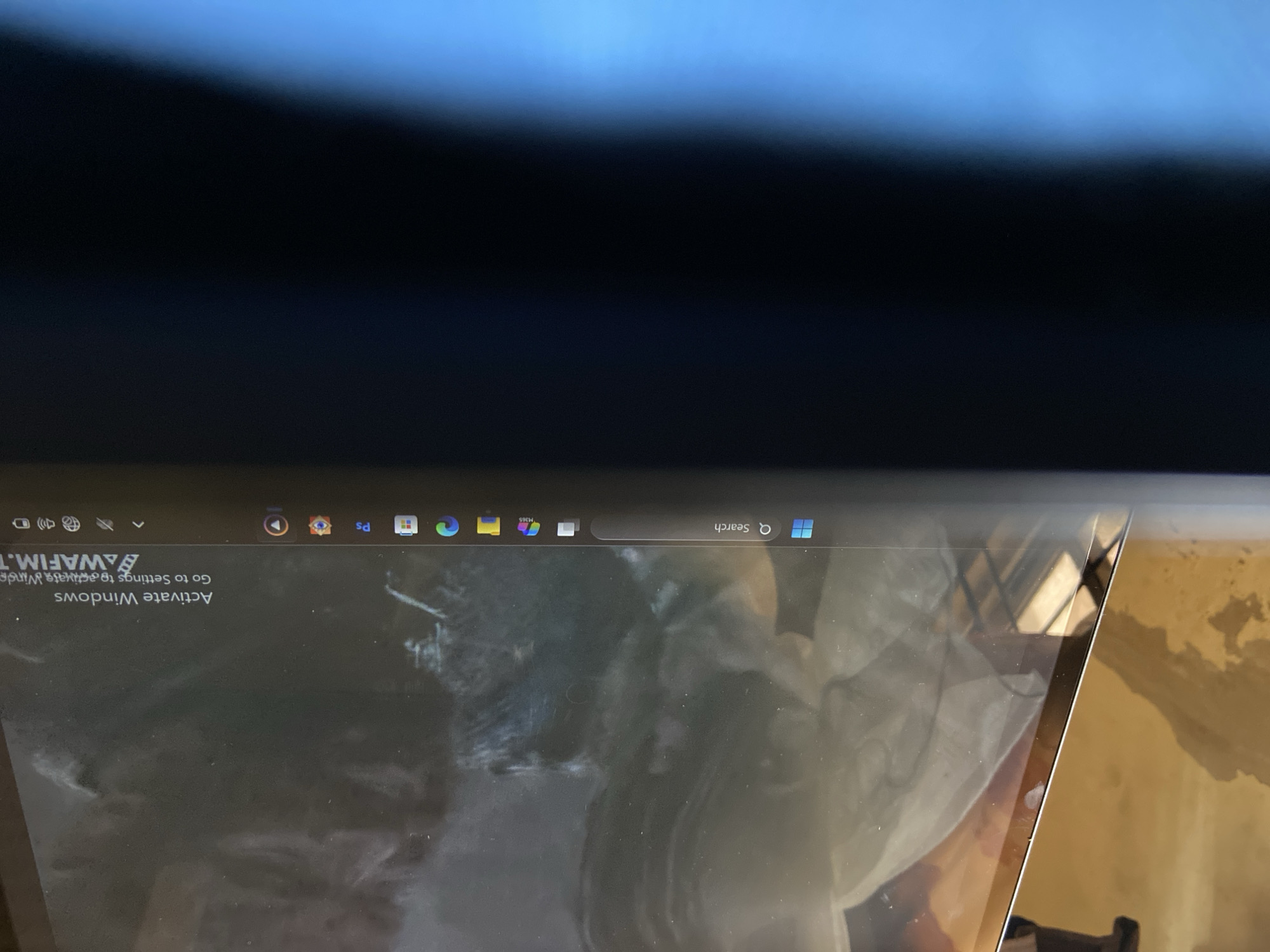
The image presents a close-up, angled view of a laptop screen, likely situated indoors. The top portion of the frame is dark, possibly reflecting a ceiling or a dark overhead surface, with a subtle blue glow emanating from the upper edge. The laptop screen, occupying the lower half of the image, displays the Windows operating system interface, specifically the taskbar and a portion of the desktop. Visible on the taskbar, which appears along the bottom edge of the screen (assuming a standard orientation, requiring the image to be conceptually rotated 180 degrees), are several icons: the Windows Start button, a search bar with the word "Search," and various application shortcuts including what appear to be Microsoft Edge, a suite of Microsoft 365 applications (e.g., Word, Excel, PowerPoint, Outlook), and possibly Adobe Photoshop (indicated by "Ps" in one of the crops). System tray icons for Wi-Fi, sound, and battery are also present. Prominently displayed on the desktop, in what would be the bottom-right corner if viewed correctly, is a white watermark-like message: "Activate Windows" followed by "Go to Settings to activate Windows." The screen surface itself shows some smudges and dust marks, and it reflects distorted shapes and light from the surrounding environment. To the right of the laptop's bezel, a golden-brown, possibly textured surface, perhaps a wall or furniture, is visible, strongly reflecting light. No people are visible, and no specific activity beyond the laptop being powered on and idle is depicted. The image does not provide cues for time of day or weather. While the general setting is an indoor space, there are no specific visual elements linking it directly to Mararaba, Nigeria, other than the presence of common modern technology.
Loading AttnAds…
No transactions found