
Sign in
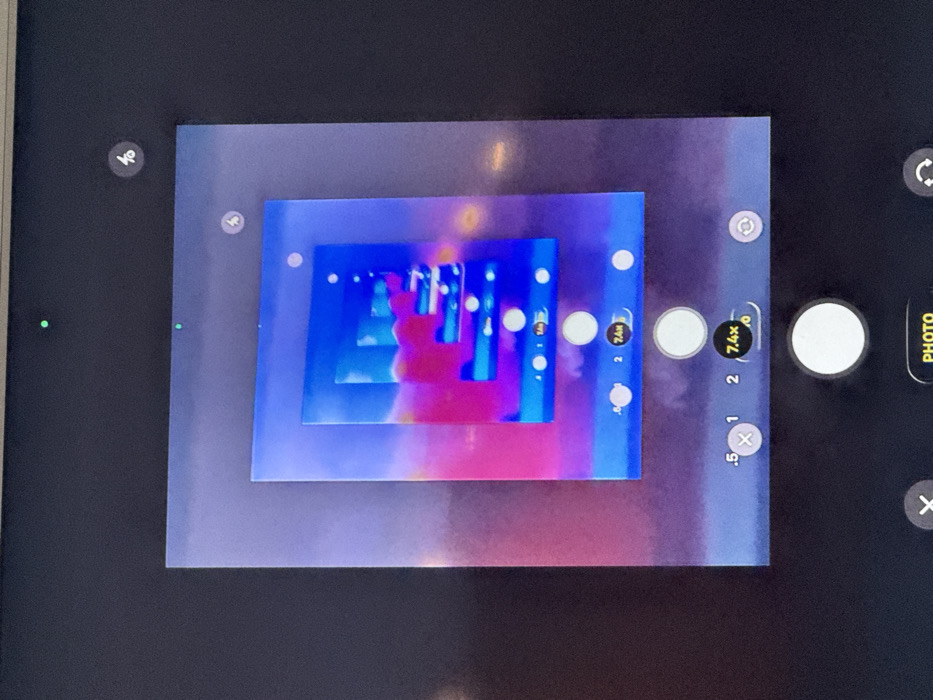
The image displays a digital screen, likely a smartphone or tablet, actively showing a camera application interface. This scene is observed in Princeton, United States. The camera app's viewfinder exhibits a recursive, "Droste effect" representation, where the screen itself is captured displaying the camera app, which in turn shows the screen, and so on, creating a tunnel of visual repetition. Within the innermost frame, an abstract composition of vibrant blue and magenta hues forms layered, geometric patterns, punctuated by scattered white circular elements. The camera application's user interface is prominent, featuring a green privacy indicator dot at the top left of the screen's active display area, and a flash control icon at the top right. Zoom controls are visible at the bottom center of the interface, marked ".5", "1", "2", and "7.4x", with the "7.4x" option highlighted, indicating it is the active magnification setting. A large white circular button, serving as the shutter release, is positioned centrally at the bottom, accompanied by a "PHOTO" mode selector. Additional interface elements include an 'X' icon for exit or cancellation on the bottom left and a camera rotation icon on the bottom right. The areas surrounding the digital screen are uniformly dark, suggesting the device's bezel or an unilluminated background. No human figures are present within the captured scene.
Shizi

Oct 8, 2025, 6:13 PM

Princeton, USA

Stake attention in this memory

Confusion
Intrigue
Artificial
Complexity
Uncertainty

The image displays a digital screen, likely a smartphone or tablet, actively showing a camera application interface. This scene is observed in Princeton, United States. The camera app's viewfinder exhibits a recursive, "Droste effect" representation, where the screen itself is captured displaying the camera app, which in turn shows the screen, and so on, creating a tunnel of visual repetition. Within the innermost frame, an abstract composition of vibrant blue and magenta hues forms layered, geometric patterns, punctuated by scattered white circular elements. The camera application's user interface is prominent, featuring a green privacy indicator dot at the top left of the screen's active display area, and a flash control icon at the top right. Zoom controls are visible at the bottom center of the interface, marked ".5", "1", "2", and "7.4x", with the "7.4x" option highlighted, indicating it is the active magnification setting. A large white circular button, serving as the shutter release, is positioned centrally at the bottom, accompanied by a "PHOTO" mode selector. Additional interface elements include an 'X' icon for exit or cancellation on the bottom left and a camera rotation icon on the bottom right. The areas surrounding the digital screen are uniformly dark, suggesting the device's bezel or an unilluminated background. No human figures are present within the captured scene.

transactions
revenues
stakers
Earliest
Latest
Highest stake

No transactions found

More from this user

More from Princeton

Shizi

Oct 8, 2025, 6:13 PM

Princeton, USA

Licensed under Creative Commons Attribution 4.0 International License. You are free to share and adapt this content with proper attribution.