
Sign in
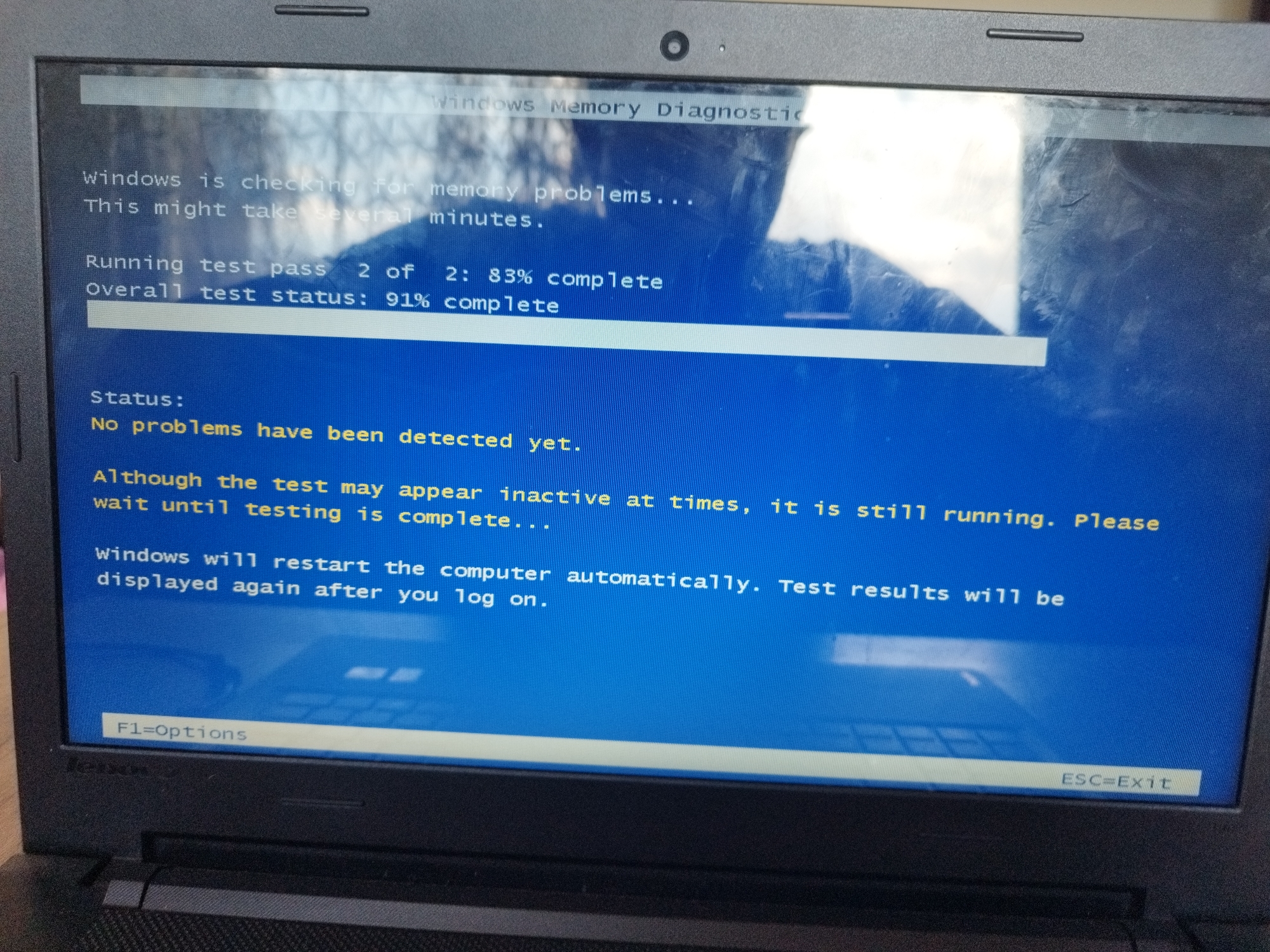
The image shows a laptop screen displaying the Windows Memory Diagnostic tool. The tool is running test pass 2 of 2, at 83% completion, with an overall test status of 91% complete. The status message indicates that no problems have been detected yet. The screen also informs the user that the test may appear inactive at times but is still running, and that the computer will restart automatically with the test results displayed upon logging on. The function key F1 is assigned to Options, and the Escape key (ESC) exits the tool. The image is taken close-up, focusing on the laptop screen, so the surrounding environment is not visible.
Ivan™️🇧🇬

May 27, 2026

Unknown, Unknown

Moment

Stake attention in this memory

Anxious
Hopeful
Patient
Curious
Calm

The image shows a laptop screen displaying the Windows Memory Diagnostic tool. The tool is running test pass 2 of 2, at 83% completion, with an overall test status of 91% complete. The status message indicates that no problems have been detected yet. The screen also informs the user that the test may appear inactive at times but is still running, and that the computer will restart automatically with the test results displayed upon logging on. The function key F1 is assigned to Options, and the Escape key (ESC) exits the tool. The image is taken close-up, focusing on the laptop screen, so the surrounding environment is not visible.

transactions
revenues
stakers
Earliest
Latest
Highest stake

No transactions found

More from this user

More from Unknown

Ivan™️🇧🇬

May 27, 2026

Unknown, Unknown

Licensed under Creative Commons Attribution 4.0 International License. You are free to share and adapt this content with proper attribution.