
Stake attention in this memory
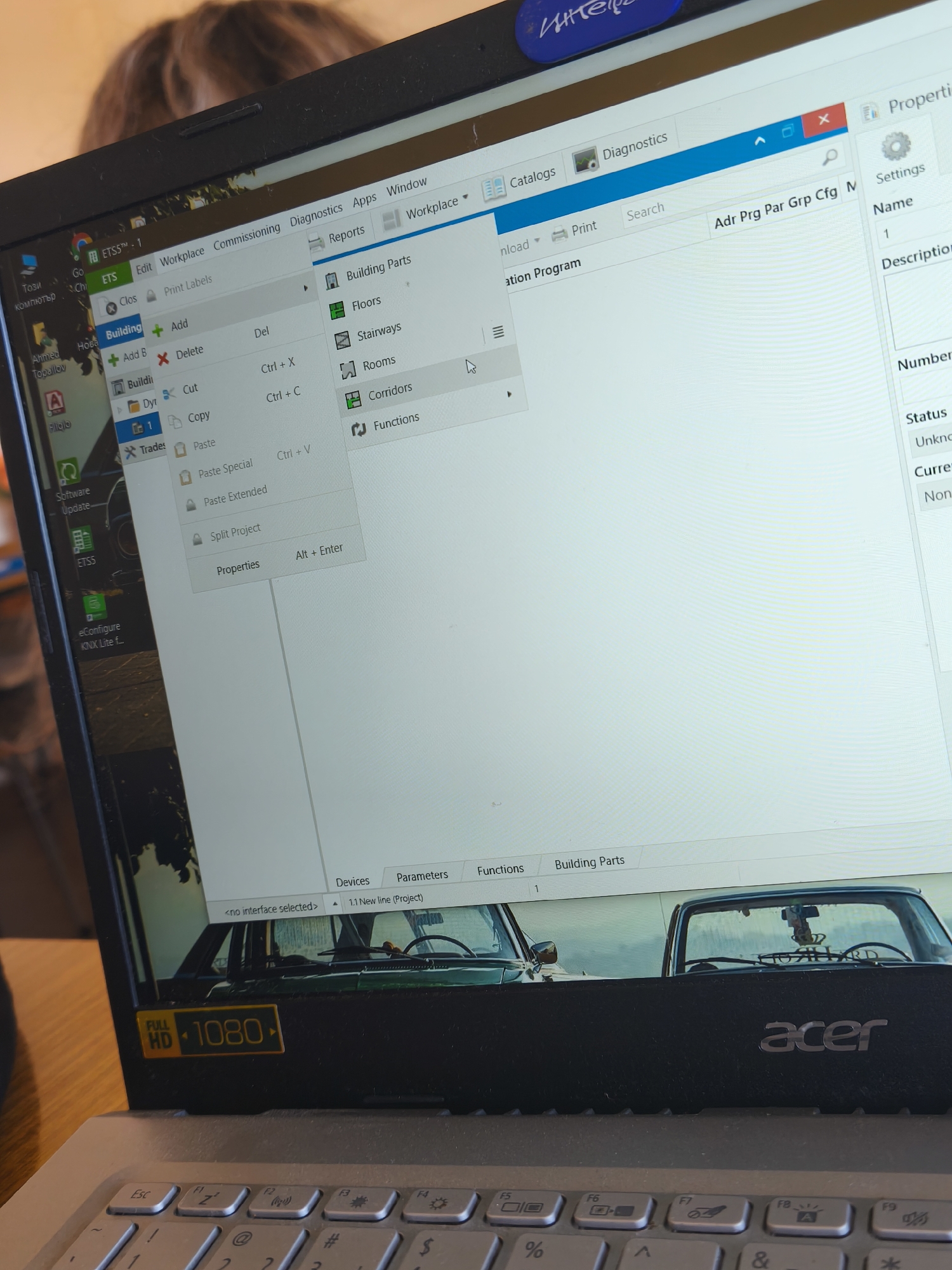
The image shows a close-up of an Acer laptop displaying the ETS (Engineering Tool Software) program. The program is open to the "Workplace" tab, and the "Building" option is selected in the left sidebar, with a context menu open, displaying actions such as "Add", "Delete", "Cut", "Copy", "Paste", and "Properties". On the right side of the screen, options like "Building Parts," "Floors," "Stairways," "Rooms," "Corridors," and "Functions" are visible. The top bar of the ETS program includes options like "Catalogs," "Diagnostics," and a search bar. The bottom of the laptop screen displays the label "FULL HD 1080". The background of the laptop screen, within the ETS software, shows a picture with cars. A partial view of a person's face and hair appears in the upper-left corner of the image. The laptop keyboard is visible in the lower portion of the frame. The image does not contain information relating it to the city of Plovdiv, Bulgaria.
Loading AttnAds…
No transactions found