
Stake attention in this memory
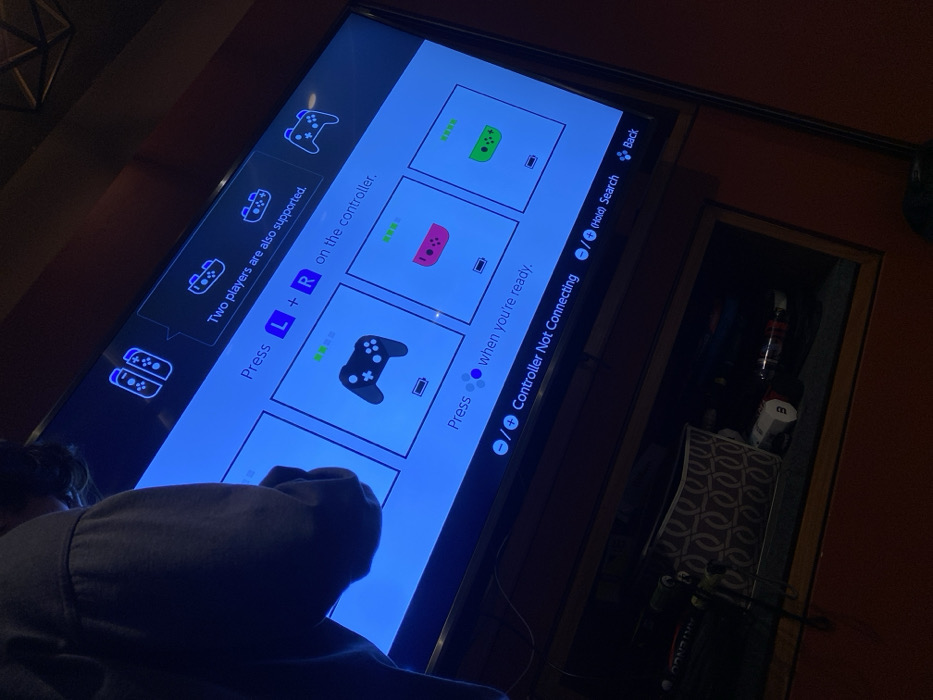
Nintendo Switch
TV screen
gaming
controller pairing
console.
A Nintendo Switch displays a controller connection screen. The top left indicates support for two players. Instructions on the screen guide the user to press L+R on the controller. There are green, pink, and black controller icons shown. Below is a prompt to press the plus or minus button when ready, accompanied by the message "Controller Not Connecting." A "Back" button is visible at the top right corner. The screen appears tilted and is viewed from a low angle.
Loading AttnAds…
transactions
revenues
stakers
Earliest
Latest
Highest stake
No transactions found