
Sign in
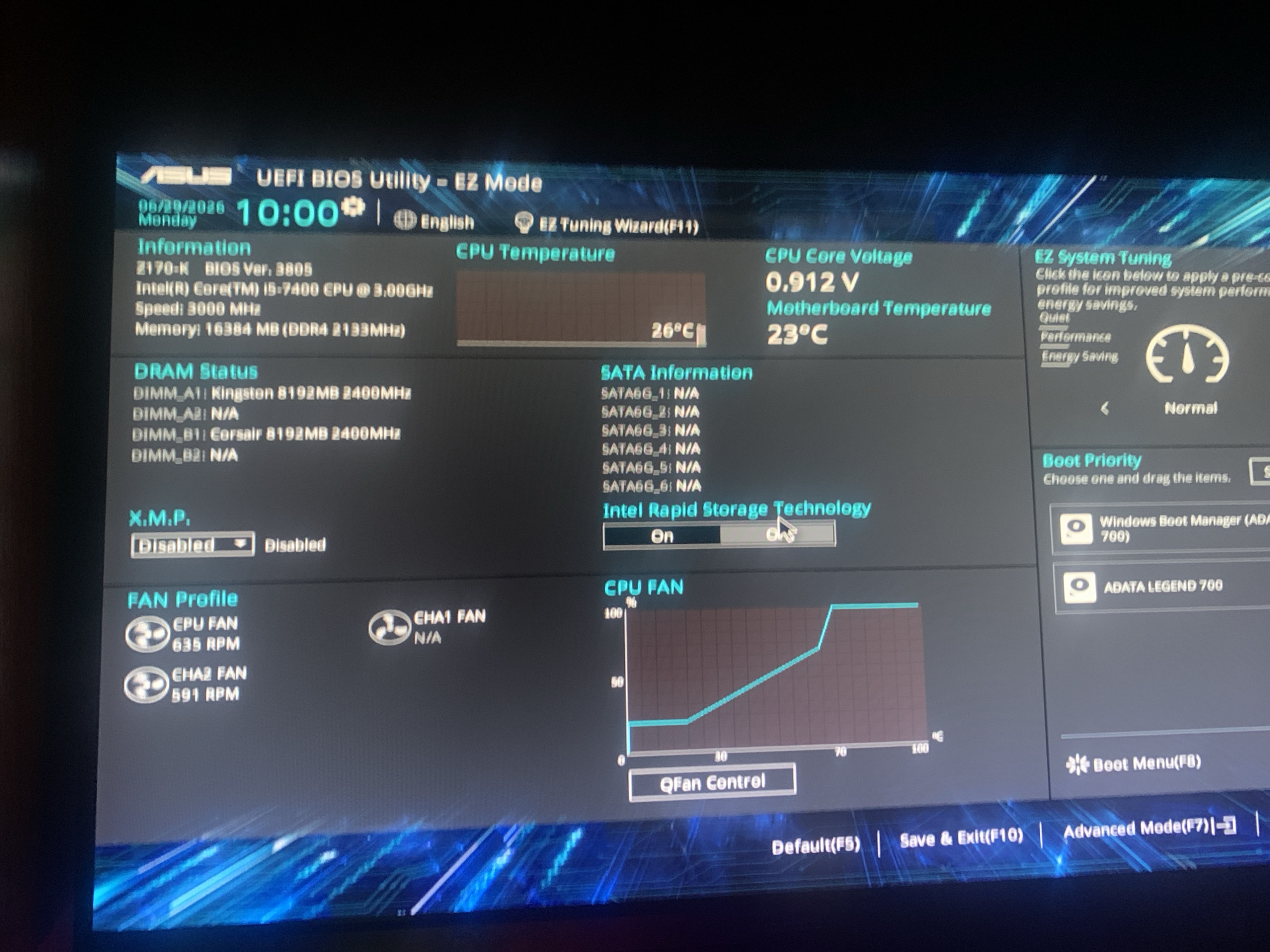
The image shows a screenshot of a computer's UEFI BIOS utility, specifically in EZ Mode. The screen displays system information such as the date and time (06/29/2026, 10:00), CPU temperature (26°C), CPU core voltage (0.912 V), and motherboard temperature (23°C). It also shows DRAM status, SATA information, and fan profiles for the CPU and chassis fans. There are options for EZ Tuning Wizard, Intel Rapid Storage Technology, and Boot Priority. The bottom of the screen shows function key shortcuts for Save & Exit, and Advanced Mode.

The image provides no information related to the city of Vladimir, Russia.
FM-vKnJk1

Jun 30, 2026

Vladimir, Russia

Stake attention in this memory

technical
focused
analytical
orderly
detached

The image shows a screenshot of a computer's UEFI BIOS utility, specifically in EZ Mode. The screen displays system information such as the date and time (06/29/2026, 10:00), CPU temperature (26°C), CPU core voltage (0.912 V), and motherboard temperature (23°C). It also shows DRAM status, SATA information, and fan profiles for the CPU and chassis fans. There are options for EZ Tuning Wizard, Intel Rapid Storage Technology, and Boot Priority. The bottom of the screen shows function key shortcuts for Save & Exit, and Advanced Mode. The image provides no information related to the city of Vladimir, Russia.

transactions
revenues
stakers
Earliest
Latest
Highest stake

No transactions found

More from this user

MemoryMemory

More from Vladimir

FM-vKnJk1

Jun 30, 2026

Vladimir, Russia

Licensed under Creative Commons Attribution 4.0 International License. You are free to share and adapt this content with proper attribution.