FM-8r5hH2
Apr 16, 2025, 11:32 PM
Stake attention in this memory
Informative
Digital
Technical
Instructional
Helpful
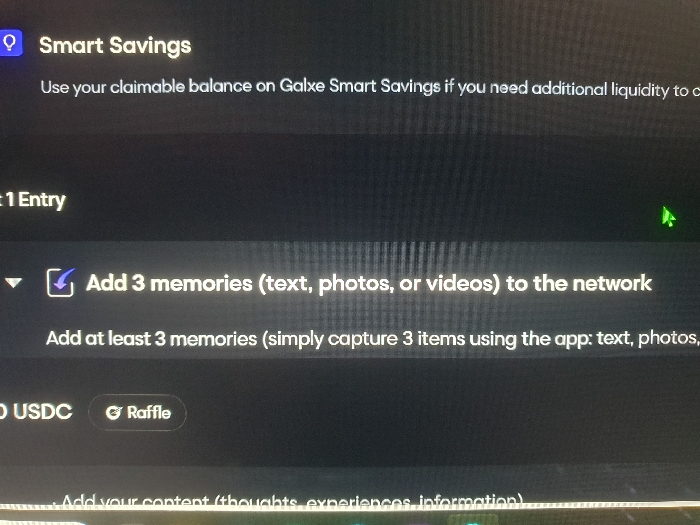
The image shows a computer screen with the heading "Smart Savings". The text on the screen instructs the user to add at least three memories, in the form of text, photos, or videos to the network. The text further specifies that these memories should be captured using the app. There is a blue checkmark next to the instruction to add memories. The screen also displays a button labelled "Raffle". It's unclear where the user is located.
Loading AttnAds…
transactions
revenues
stakers
Earliest
Latest
Highest stake
No transactions found
More from this user