
Sign in
This is a photograph of an open textbook, likely in a classroom or study setting. The pages display text and images related to computer science. The book cover is not visible, but the content focuses on computer operations.

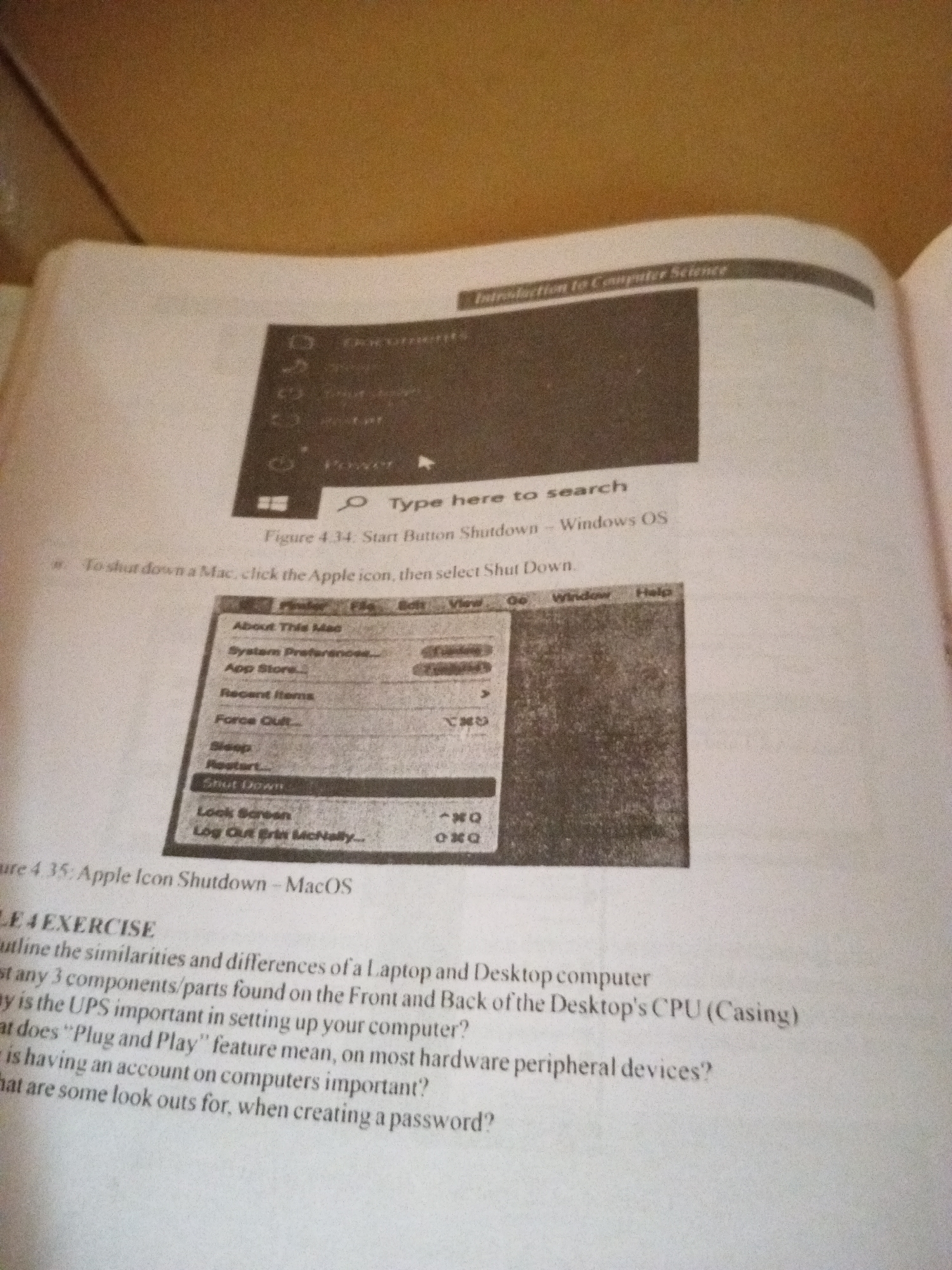
The primary subject is the textbook itself, with two distinct images. The first, labeled "Figure 4.34. Start Button Shutdown - Windows OS," shows a stylized depiction of a Windows operating system interface, highlighting a search bar and a power icon. The second image, "Figure 4.35: Apple Icon Shutdown - MacOS," displays a screenshot of a macOS menu, specifically illustrating the options available under the Apple icon, including "Shut Down."

Below the images, the text provides instructions and exercise questions. One instruction reads, "To shut down a Mac, click the Apple icon, then select Shut Down." The exercise section, titled "LE 4 EXERCISE," includes questions about the similarities and differences between laptops and desktop computers, the importance of a UPS (Uninterruptible Power Supply), the meaning of "Plug and Play," the significance of having computer accounts, and considerations for creating passwords.

The lighting suggests an indoor environment, possibly with ambient light or a flash used to capture the image. The presence of the textbook and the educational content point to a learning context. There are no people or specific location cues beyond the general subject matter of computer science. The time of day and weather are not discernible from the image.
FM-ceq5D2

Jun 29, 2026

Jalingo, Nigeria

Stake attention in this memory

studious
academic
focused
informative
analytical

This is a photograph of an open textbook, likely in a classroom or study setting. The pages display text and images related to computer science. The book cover is not visible, but the content focuses on computer operations. The primary subject is the textbook itself, with two distinct images. The first, labeled "Figure 4.34. Start Button Shutdown - Windows OS," shows a stylized depiction of a Windows operating system interface, highlighting a search bar and a power icon. The second image, "Figure 4.35: Apple Icon Shutdown - MacOS," displays a screenshot of a macOS menu, specifically illustrating the options available under the Apple icon, including "Shut Down." Below the images, the text provides instructions and exercise questions. One instruction reads, "To shut down a Mac, click the Apple icon, then select Shut Down." The exercise section, titled "LE 4 EXERCISE," includes questions about the similarities and differences between laptops and desktop computers, the importance of a UPS (Uninterruptible Power Supply), the meaning of "Plug and Play," the significance of having computer accounts, and considerations for creating passwords. The lighting suggests an indoor environment, possibly with ambient light or a flash used to capture the image. The presence of the textbook and the educational content point to a learning context. There are no people or specific location cues beyond the general subject matter of computer science. The time of day and weather are not discernible from the image.

transactions
revenues
stakers
Earliest
Latest
Highest stake

No transactions found

More from this user

More from Jalingo

FM-ceq5D2

Jun 29, 2026

Jalingo, Nigeria

Licensed under Creative Commons Attribution 4.0 International License. You are free to share and adapt this content with proper attribution.