
Stake attention in this memory
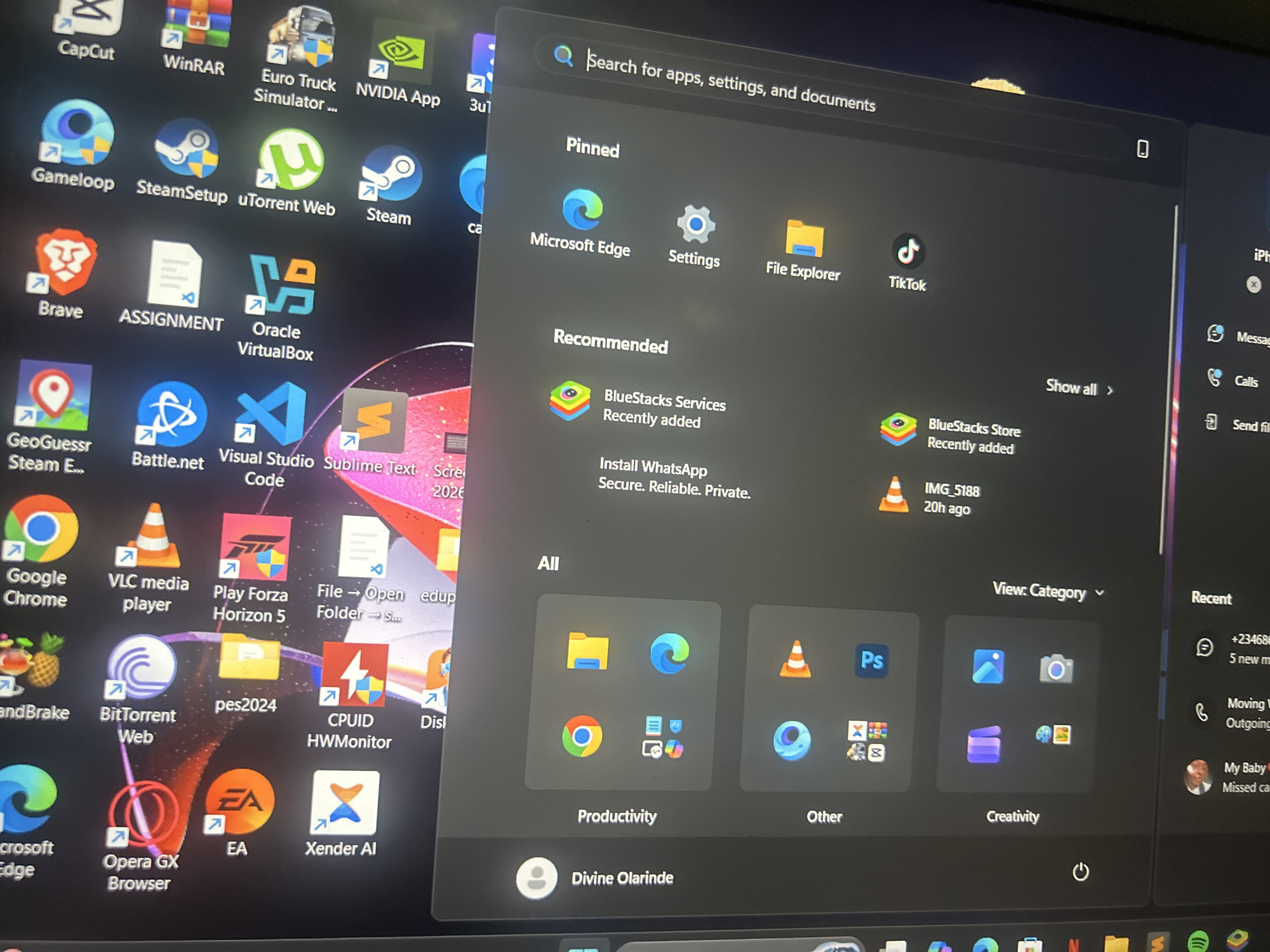
The image shows a close-up of a computer screen displaying the Windows 11 start menu and desktop icons. On the left side of the screen, numerous application icons are visible, including "CapCut," "WinRAR," "Euro Truck Simulator," "NVIDIA App," "Gamelook," "SteamSetup," "uTorrent Web," "Steam," "Brave," "ASSIGNMENT," "Oracle VirtualBox," "GeoGuessr Steam E," "Battle.net," "Visual Studio Code," "Sublime Text," "Google Chrome," "VLC media player," "Play Forza Horizon 5," "File -> Open edup Folder -> S...," "BitTorrent Web," "pes2024," "CPUID HWMonitor," "Opera GX Browser," and "EA." The start menu, on the right, features a search bar, pinned applications like "Microsoft Edge," "Settings," and "File Explorer," and recommended applications such as "BlueStacks Services" and "Install WhatsApp." There is also a section for "All" applications categorized into "Productivity" and "Other," with various app icons displayed. The bottom of the start menu shows the logged-in user as "Divine Olarinde" and a power icon. On the far right of the screen, a "Recent" section displays contact information and timestamps, suggesting recent activity. The background wallpaper is a vibrant, abstract design with red and pink hues. The image is taken from a perspective that suggests the user is looking directly at the screen. There is no discernible information in the image that relates to the city of Ogbomosho, Nigeria, or any specific geographical location.
Symbol
DB8E5
Volume
20,223
Creator
+$0.07
Revenue
+$0.00
TVL
$6.89
Loading AttnAds…