
Sign in
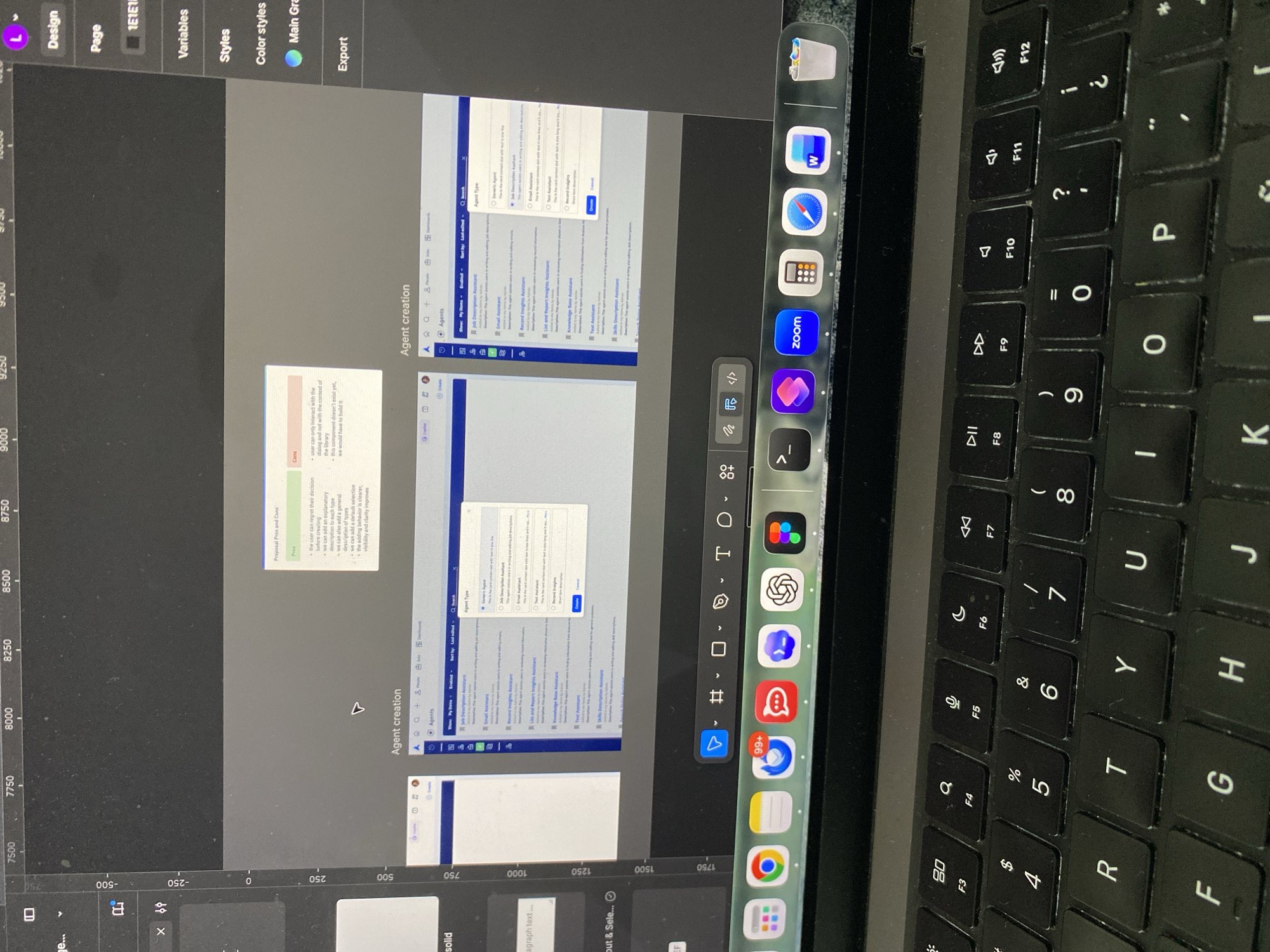
The image captures a tilted view of a laptop and an external monitor setup, indicating a workspace in Gijón/xixón, Spain. No individuals are present.

The external monitor on the left displays a UI/UX design application, possibly Figma, focusing on a project titled "Agent creation." The interface shows a left sidebar with navigation elements such as "Design," "Page," "Variables," "Styles," "Color styles," and "Export." The main screen area features several design elements, including a "Proposal Pros and Cons" section. The "Pros" list benefits like enhanced user decision-making, explanatory descriptions, default selections, and improved clarity. The "Cons" highlight limitations in user interaction within the dialog and the need to develop new components. Another part of the design shows an "Agent Type" selection, offering options like "Job Description Assistant," "Email Assistant," "Record Insights Assistant," "List and Report Insights Assistant," "Text Assistant," "Knowledge Base Assistant," "Skills Description Assistant," and "Generic Agent," alongside a search bar and a "Create" button.

On the right, a black MacBook Pro keyboard is visible, featuring standard QWERTY keys and macOS function keys (F3-F12) for brightness, volume, and media control. A portion of the laptop's screen shows the macOS dock, with icons for applications such as Microsoft Word, Safari, Calculator, Zoom, and a red chat bubble app, with one icon displaying a "99+" notification badge. The overall scene suggests an indoor environment dedicated to computer-based work, likely graphic design or software development.
mei

Apr 29, 2026, 12:21 PM

Gijón/xixón, Spain

Stake attention in this memory

focused
analytical
engaged
productive
creative

The image captures a tilted view of a laptop and an external monitor setup, indicating a workspace in Gijón/xixón, Spain. No individuals are present. The external monitor on the left displays a UI/UX design application, possibly Figma, focusing on a project titled "Agent creation." The interface shows a left sidebar with navigation elements such as "Design," "Page," "Variables," "Styles," "Color styles," and "Export." The main screen area features several design elements, including a "Proposal Pros and Cons" section. The "Pros" list benefits like enhanced user decision-making, explanatory descriptions, default selections, and improved clarity. The "Cons" highlight limitations in user interaction within the dialog and the need to develop new components. Another part of the design shows an "Agent Type" selection, offering options like "Job Description Assistant," "Email Assistant," "Record Insights Assistant," "List and Report Insights Assistant," "Text Assistant," "Knowledge Base Assistant," "Skills Description Assistant," and "Generic Agent," alongside a search bar and a "Create" button. On the right, a black MacBook Pro keyboard is visible, featuring standard QWERTY keys and macOS function keys (F3-F12) for brightness, volume, and media control. A portion of the laptop's screen shows the macOS dock, with icons for applications such as Microsoft Word, Safari, Calculator, Zoom, and a red chat bubble app, with one icon displaying a "99+" notification badge. The overall scene suggests an indoor environment dedicated to computer-based work, likely graphic design or software development.

Loading AttnAds…

transactions
revenues
stakers
Earliest
Latest
Highest stake

No transactions found

More from this user

More from Gijón/xixón

mei

Apr 29, 2026, 12:21 PM

Gijón/xixón, Spain

Licensed under Creative Commons Attribution 4.0 International License. You are free to share and adapt this content with proper attribution.