
Stake attention in this memory
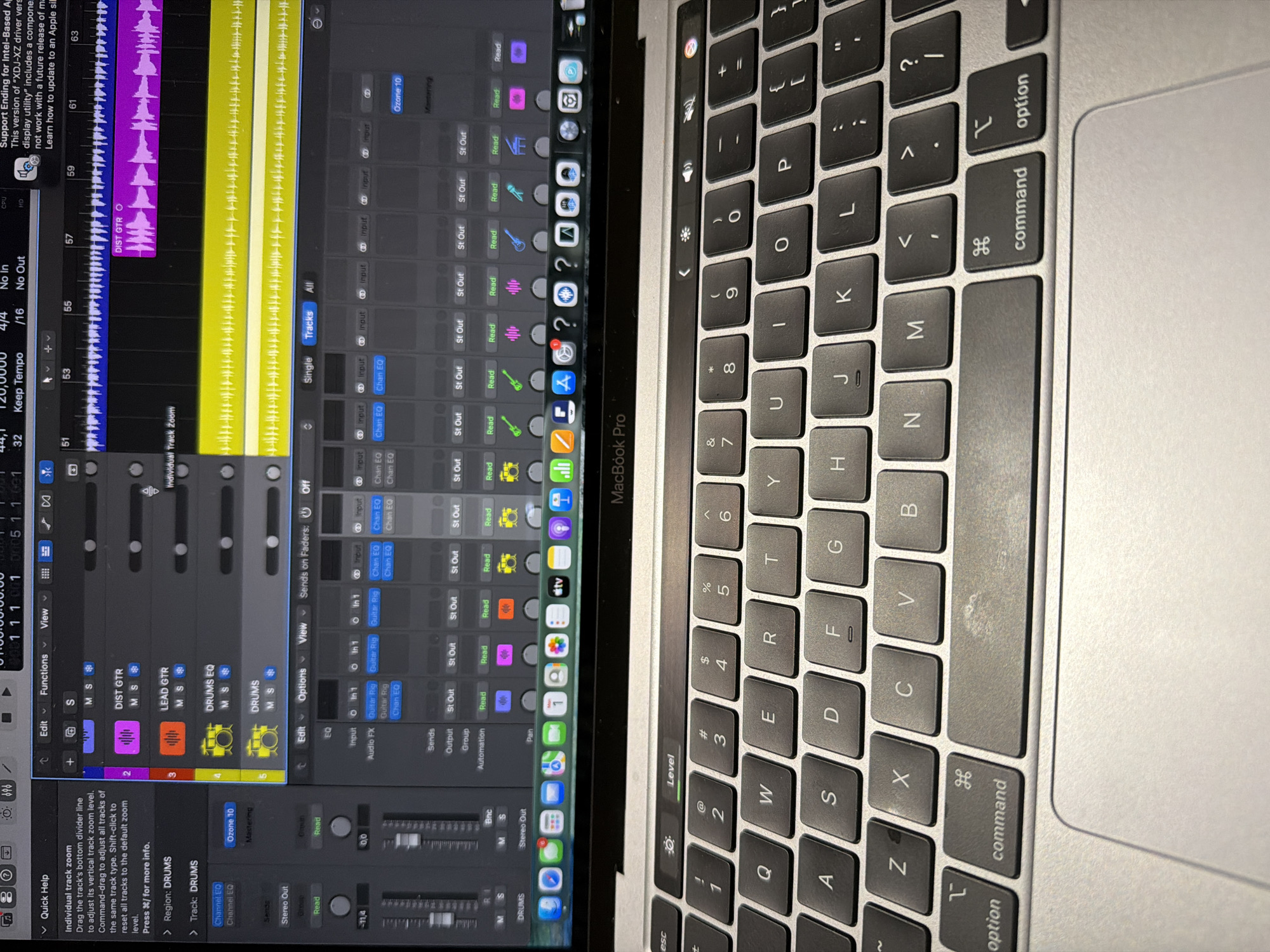
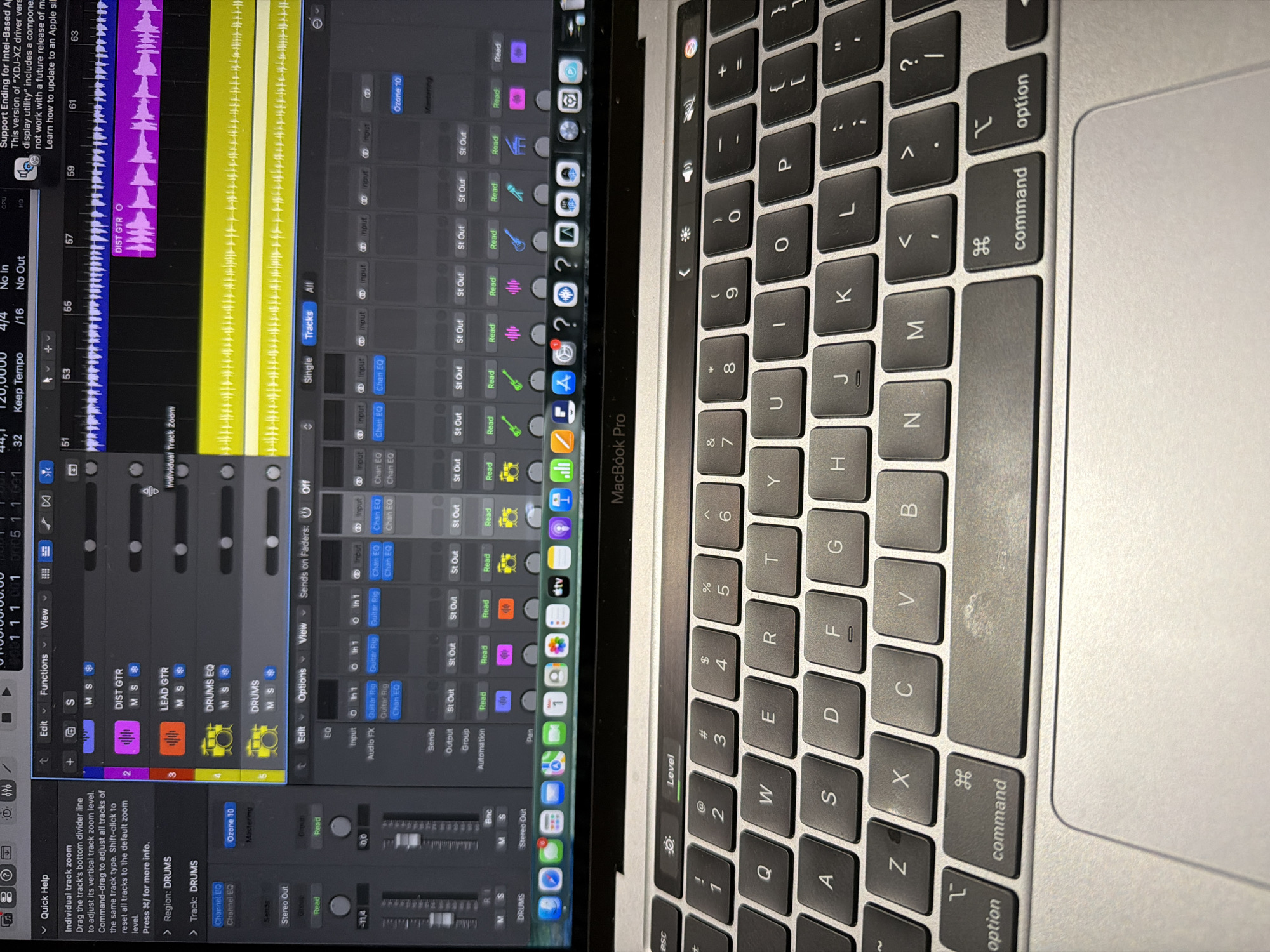
An overhead shot captures a MacBook Pro laptop open and in use. The left half of the image shows the laptop's screen displaying a digital audio workstation (DAW) interface, likely for music production or audio editing. The right half shows a portion of the laptop's silver keyboard and trackpad. On the screen, a timeline with audio waveforms in yellow and purple is visible, indicating active tracks labeled "DIST GTR", "LEAD GTR", "DRUMS EQ", and "DRUMS". Various controls and parameters are displayed, including "Read", "St Out", "Input", "Chan EQ", "Guitar Rig", "Audio FX", "Sends", "Output", "Group", and "Automation". A "Quick Help" panel is open on the bottom left, providing information about "Individual track zoom". Other visible text includes "Keep Tempo", "No In", "No Out", "CPU", "HD", "Edit", "Functions", "View", "Options", "Sends on Faders: Off", "Single", "Tracks", "All", "Stereo Out", "Ozone 10", and "Mastering". A partial message reads: "Support Ending for Intel-Based A... This version of "XDJ-XZ driver vers display utility" includes a compone not work with a future release of ma Learn how to update to an Apple si". Application icons are visible in a dock at the bottom of the screen. The silver keyboard features dark gray keys with white lettering. Visible key labels include "esc", "tab", "caps lock", "shift", "fn", "control", "option", "command", "return", "delete", and various alphanumeric characters. The "Level" label is visible above the escape key. Some keys and the palm rest show signs of wear and dust. The "MacBook Pro" branding is visible above the keyboard. No people are visible in the image.
Symbol
EF677
Volume
0
Creator
+$0.03
Revenue
+$0.00
TVL
$0.00
Loading AttnAds…